Showing posts with label Google. Show all posts

Thursday, January 8, 2015

New Library Contest

Check out the new contest in the library! If you have Minecraft skills and know about book settings, this could be your chance to win a gift certificate to the Spring Book Fair in March.

If you have questions, please stop by the library to find out more! Good luck, and happy creating!

Monday, January 27, 2014

7th Grade Science Disease Brochure Projects

Recently the 7th grade science classes worked on their disease brochure projects. Mr. Jaspering and Ms. Bender asked students to learn about a disease of their choosing and present the information in a brochure format.


Using both print and non-print resources, students evaluated the information they'd like to include on their brochures. To make their searching time faster and easier online, students could access the MS Library Main Page to find links to valid, reliable, current websites to start their work. This is also where they could make a copy of the Google document to work from.

It was a busy day in the library and computer lab when work began, so Mrs. Ellis joined science classes in their classroom. 


One class period combined the two science classes to meet in the library. While it was pretty crowded--almost 50 students--everyone was able to work on a computer and start their brochures.

Monday, December 9, 2013

Resilience Literature Part II

With resilience literature as a main topic, both 6th and 7th grade language arts classes came into the library for discussion and related work. After talking about features of resilience literature, 6th grade students generated their own list of possible titles, including titles like these below:

Then it was time to work. Using a shared Google doc, students were to select an example of resilience literature, then support their choice with 3 examples from the book that show a character's resilience. Students also had the option to use corresponding images from iClipArt to go along with their text.
CLICK HERE to access the document.
Students had nearly the full period to work on their triangles and talk about books.


Here are a few examples of the work the students created:


Tuesday, October 8, 2013

Using the AEA's Online Databases

The AEA has many online resources available for student use. You can access a Google Presentation with directions and tips below:
CLICK HERE to access the presentation
This is a great resource for students participating in National History Day, as well as students who are looking for valid, reliable, current online information for projects in different classes. If you're not sure how to get around on the sites, stop by the library--we'd love to help!


Wednesday, September 12, 2012

Google Docs is Here


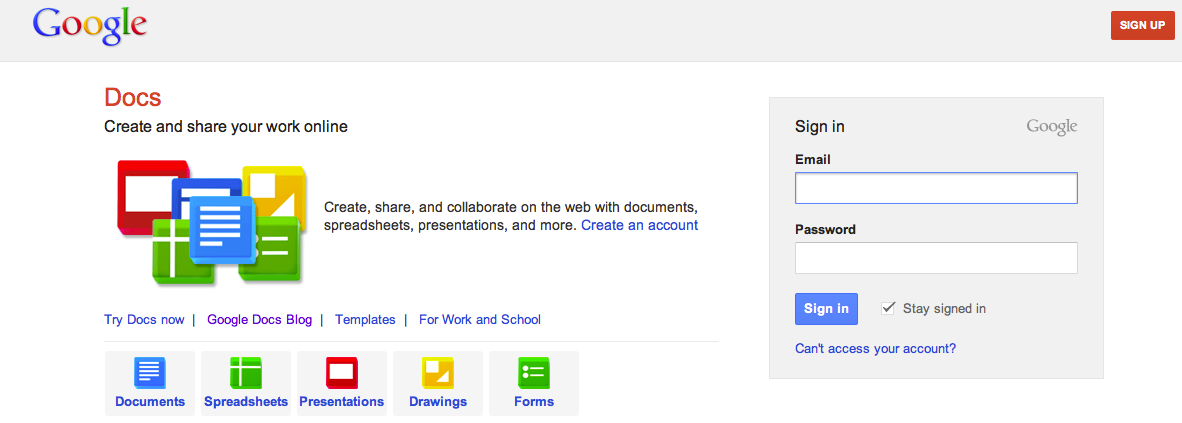
Students in sixth and seventh grade now have Google accounts that offer many possibilities! By logging into their individual Google accounts, students are able to create documents, presentations, spreadsheets, and more. Students' work saves automatically, and because the work is all online, students can access their work from any computer that is connected to the Internet.